
-
Maximo Nuclear Applications (3 of 6)
Read more: Maximo Nuclear Applications (3 of 6)IT Infrastructure Module Application Description Configuration Items (Nuc) A configuration item (CI) is any component that is under configuration control. This may be an asset, location, item or service, but it might also be a document. A CI can have a classification whose attributes can be used to define the configuration. A CI can be…
-
Maximo Nuclear Applications (2 of 6)
Read more: Maximo Nuclear Applications (2 of 6)Configuration Change Management (Nuc) Module Application Description Configuration Change Designer (Nuc) Locations, assets and configuration items can be subject to change control. This application identifies the attributes, including classification attributes, which are under configuration control, and whether a change in value will require change approval and/or will cause a change to the revision of the…
-
Maximo Nuclear Applications (1 of 6)
Read more: Maximo Nuclear Applications (1 of 6)Administration Module Application Description Sets A set is used to share data across multiple organizations. There are two types of set, item and company. Organizations (Nuc) This is the application where organizations and sites are defined and where there are options for how Maximo functions at system, organization and site level. An organization provides data…
-
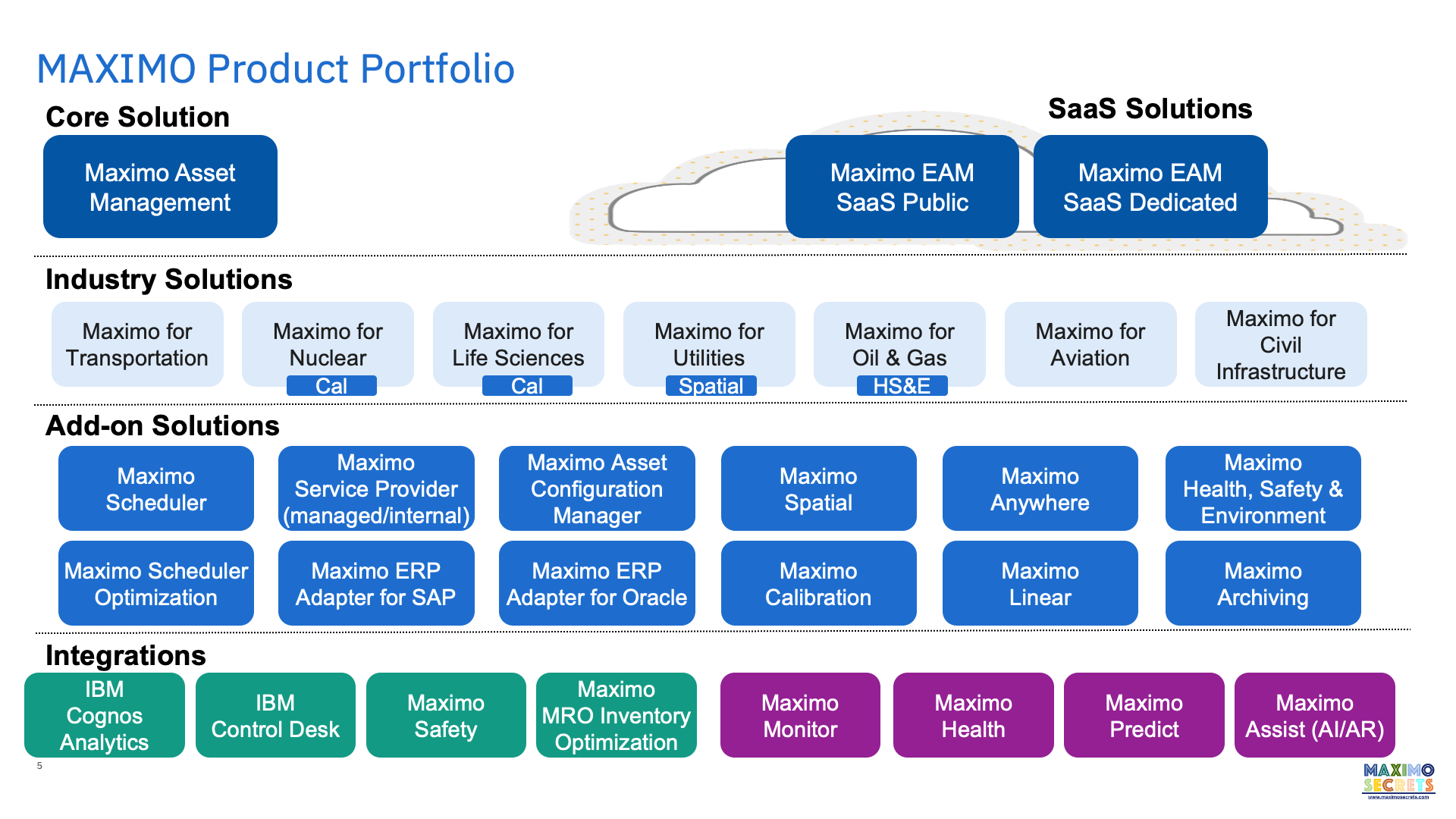
Maximo Overview
Read more: Maximo OverviewThis presentation provides a high level overview of Maximo written in September 2020, Maximo version 7.6.1.2.
-
Order Units and Issue Units
Read more: Order Units and Issue UnitsIn the Item Master application there are two fields with a lookup to units of measure. The Order Unit is the unit of measure in which you purchase the item. For example, you may only be able to buy an item in a packet of 25, or you may only be able to buy specialist…
-
Maximo Health, Safety & Environment
Read more: Maximo Health, Safety & EnvironmentThe Maximo Health, Safety & Environment (HSE) product includes 31 new applications and 20 application clones some of which have considerable additional functionality, e.g. Locations (HSE). This document provides a brief description of each new application, those which are unique to the HSE product. For the other applications see the posts called Maximo Applications, there…
-
Maximo Applications (5 of 5) (archived)
Read more: Maximo Applications (5 of 5) (archived)Superseded by https://maximosecrets.com/2024/04/16/maximo-manage-modules/ Start Center Application Description Start Center The home page which displays a dashboard with portlets defined in the Layout and Configuration application. A user can have multiple tabs depending on the roles they perform, each tab is a Start Center in its own right. Layout and Configuration Used for creating a new…
-
Maximo HSE Application Maps – Locations (HSE)
Read more: Maximo HSE Application Maps – Locations (HSE)The Locations (HSE) application has a number of additions over that found in the base Maximo product including nine additional tabs. As a summary you can: associate the location with multiple audits/surveys, certificates/permits, or regulations, record reliability data, perform a FMECA into failure modes, indicate whether a meter is being used for environmental consent monitoring,…

A site dedicated to Maximo containing over 385 articles, podcast episodes, YouTube videos, and quizzes, updated weekly, 900K words!