
-

Item – Add as Spare Part
Read more: Item – Add as Spare PartOn Item Master application the “Add as Spare Part” field should be set for non-rotating items which are used as spare parts of assets. On the Assets application for rotating asset 2169 that belongs to rotating item AJE02, there is currently no sub-assemblies or spare parts. I have used the action Issue Items from Storeroom…
-

Item Assembly Structures for Assets
Read more: Item Assembly Structures for AssetsItem Assembly Structures are used for three purposes: For creating an asset assembly and/or spare parts of the asset For creating part of a location hierarchy – models For creating the set of items that make up a kit item This article considers item assembly structures when used with assets. An Item Assembly Structure (IAS)…
-
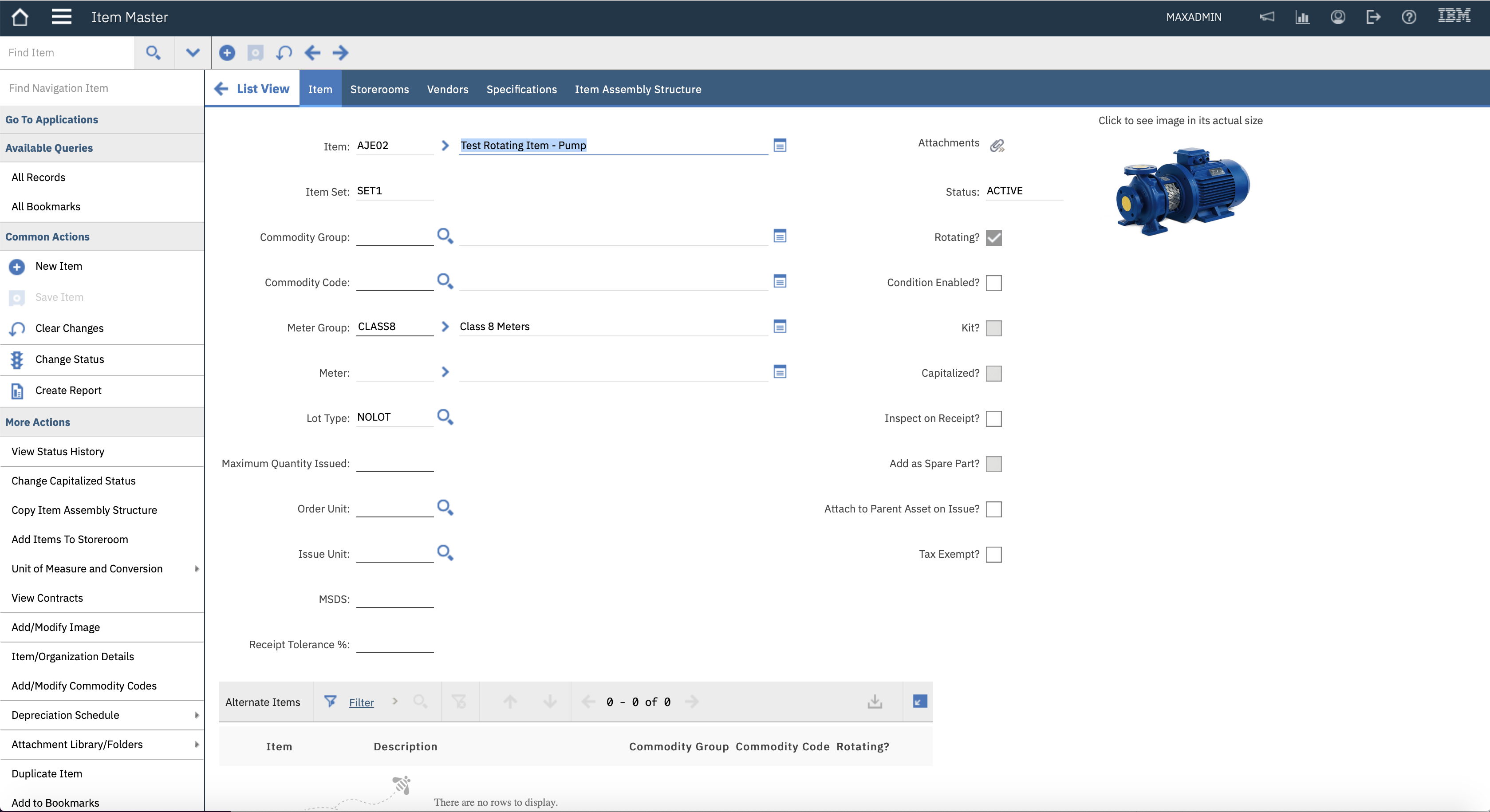
Meter Groups on Items
Read more: Meter Groups on ItemsOn Item Master application there is a Meter Group and Meter field. These two fields perform completely different functions, they are not connected. The Meter Group field is only associated with rotating items, the Meter field is only associated with non-rotating items. I’ll discuss the use of a meter in a separate article. A Meter…
-

Item Images
Read more: Item ImagesItems can have a thumbnail image. It is very useful for end users to verify the item they are thinking of using or buying by looking at an image. Only one image can be added to a Maximo record. Additional images need to be added using the Attachments icon. The action Add/Modify Image is used…
-

Item Specifications for Rotating Items
Read more: Item Specifications for Rotating ItemsWe probably know that an item can be classified, and the attributes of the classification create the item’s specification, found on the Specifications tab. This article is all about the relationship between rotating items and rotating assets with regard to the classification and its specification. In the Item Master application an item can have an…
-

Rotating Items
Read more: Rotating ItemsContents A rotating item is an inventory item with a current balance where the instances of the item are tracked individually as serialised assets – a rotating asset. The term “rotating” is used because you are tracking the serialised assets from the storeroom, to an operating location, then to a repair shop and back to…
-
Quiz Answers – Item Statuses
Read more: Quiz Answers – Item StatusesOne small topic, 10 questions on Item Statuses: Q1 – Can you delete an item? Answer – No. There are no actions for Delete Item or Duplicate Item across the Item Master, Service Items or Tools applications. You make an item invisible to users by changing status to Obsolete. Q2 – Which item status(es) is incorrect, PENDING,…
-

Tax Code Defaulting
Read more: Tax Code DefaultingContents Maximo is set up to allow 5 tax types, which means in tables like PRLINE or POLINE there are 5 tax code fields and 5 tax amount fields for storing the calculated tax after applying the tax rate associated with the tax code. The tax types equate to which of the tax fields are…
-

Tax Exempt Items
Read more: Tax Exempt ItemsContents Some items are subject to tax, others not. For example, items used in repairs are generally taxable. If the item is capitalized or it is used in a product that is sold, then it may be tax exempt. The rules can vary between countries or states and tax rules can change at any time. …
-

Tool/Organization Details
Read more: Tool/Organization DetailsThere are a few fields in the dialog for the action Tool/Organization Details in the Tools application that are different from what you see in the similar dialog in the Item Master application. You might have wondered what they are for. In this article we will discuss the Tool Rate, Outside Vendor and the GL…

A site dedicated to Maximo containing over 385 articles, podcast episodes, YouTube videos, and quizzes, updated weekly, 900K words!