
-
Quiz – How well do you know Maximo? – Item/Organization Details
Read more: Quiz – How well do you know Maximo? – Item/Organization DetailsOne small topic, 10 questions on Item/Organization Details (ITEMORGINFO): Q1 – How are the records created in the object/table that supports the action Item/Organization Details? A – By using the New Row button B – By entering a new item C – By entering a new item or by using the New Row button D –…
-

Inventory – Issue Current Item to Multiple Assets
Read more: Inventory – Issue Current Item to Multiple AssetsThis action was another that was introduced into Maximo specifically for software assets, but may have a wider use with physical assets, or those physical assets with onboard software. I’ve created a new item MS365 – Microsoft 365 in the Item Master application. I’ve marked the “Add as Spare Part” so that we can see…
-

Item on Job Plan Work Assets
Read more: Item on Job Plan Work AssetsWhen an item is received you may need to perform a special inspection or if it is an asset, install and configure it. A feature of Maximo was added some years ago particularly for installing and configuring IT assets when they are received, but you may find other uses for this in a physical asset…
-
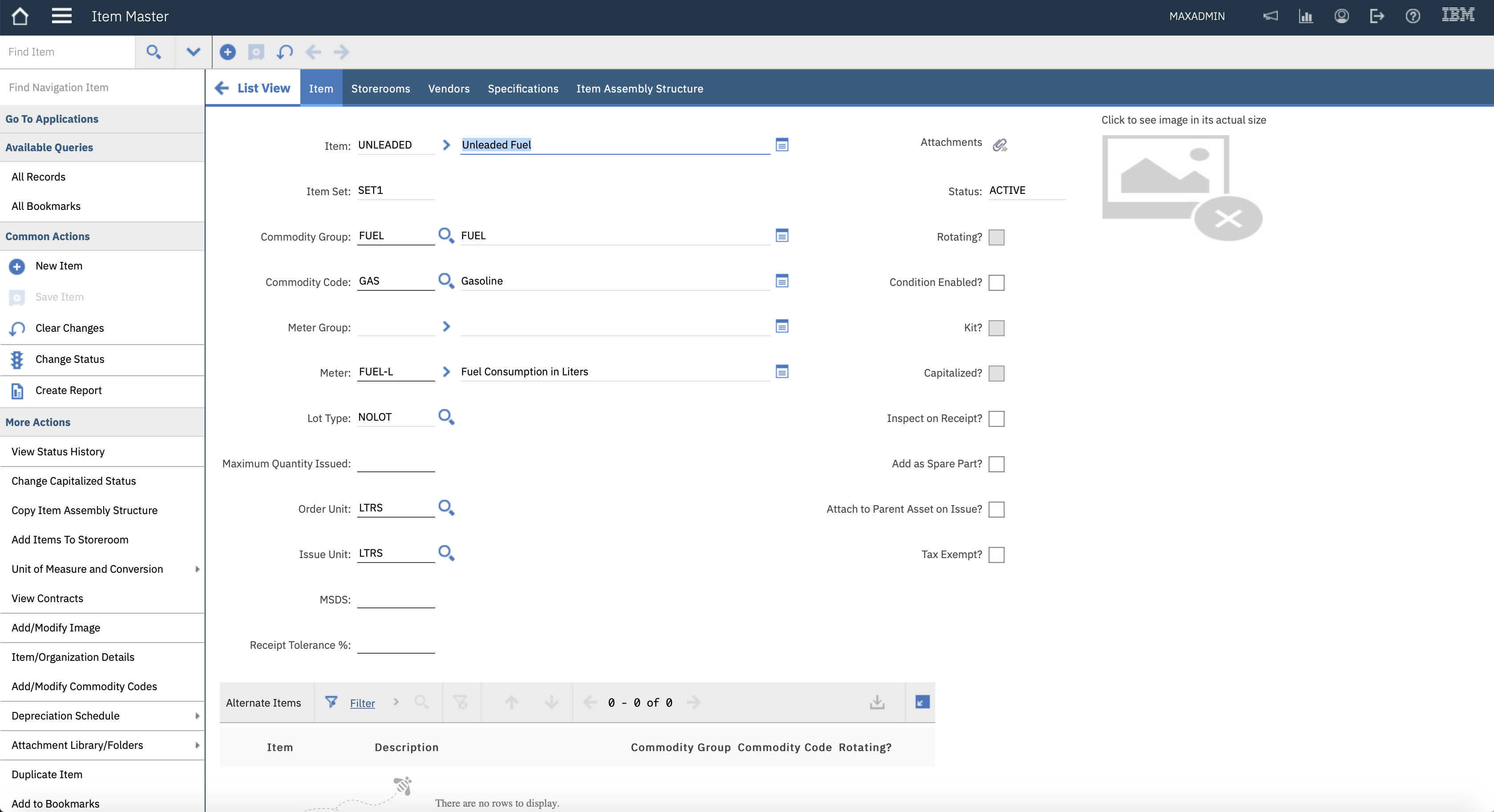
Meter on Items
Read more: Meter on ItemsOn the Item Master application there is a Meter Group and Meter field. These two fields perform completely different functions, they are not connected. The Meter Group field is only associated with rotating items, the Meter field is only associated with non-rotating items. This article will discuss the Meter field, another has already been written…
-
Quiz Answers – Stock Categories
Read more: Quiz Answers – Stock CategoriesOne small topic, 10 questions on Item Stock Categories: Q1 – What are the Stock Categories? Answer – There are three, STK, NS, SP Stocked (STK), Non-Stocked (NS), Special Order (SP). There is an Organizations application setting in PO Options dialog where you can enable Special Order items. Q2 – In which Inventory module applications can you…
-

Item – Maximum Quantity Issued
Read more: Item – Maximum Quantity IssuedIn another article we had added a spare part, item 12853 to asset 2169 and the IssuedQty field was incremented. On the Item Master application for item 12853 I have added a value of 1 to the Maximum Quantity Issued field, left-hand column. On the Inventory application, if I go to issue item 12853 to…
-

Item – Attach to Parent Asset on Issue
Read more: Item – Attach to Parent Asset on IssueOn the Item Master application there is a check box on the right-hand column called “Attach to Parent Asset on Issue?”. This is only available when the item is marked as a rotating item. We will show what happens if you issue the item to the asset, first with this field unchecked and then later…
-

Item – Add as Spare Part
Read more: Item – Add as Spare PartOn Item Master application the “Add as Spare Part” field should be set for non-rotating items which are used as spare parts of assets. On the Assets application for rotating asset 2169 that belongs to rotating item AJE02, there is currently no sub-assemblies or spare parts. I have used the action Issue Items from Storeroom…
-

Item Assembly Structures for Assets
Read more: Item Assembly Structures for AssetsItem Assembly Structures are used for three purposes: For creating an asset assembly and/or spare parts of the asset For creating part of a location hierarchy – models For creating the set of items that make up a kit item This article considers item assembly structures when used with assets. An Item Assembly Structure (IAS)…
-
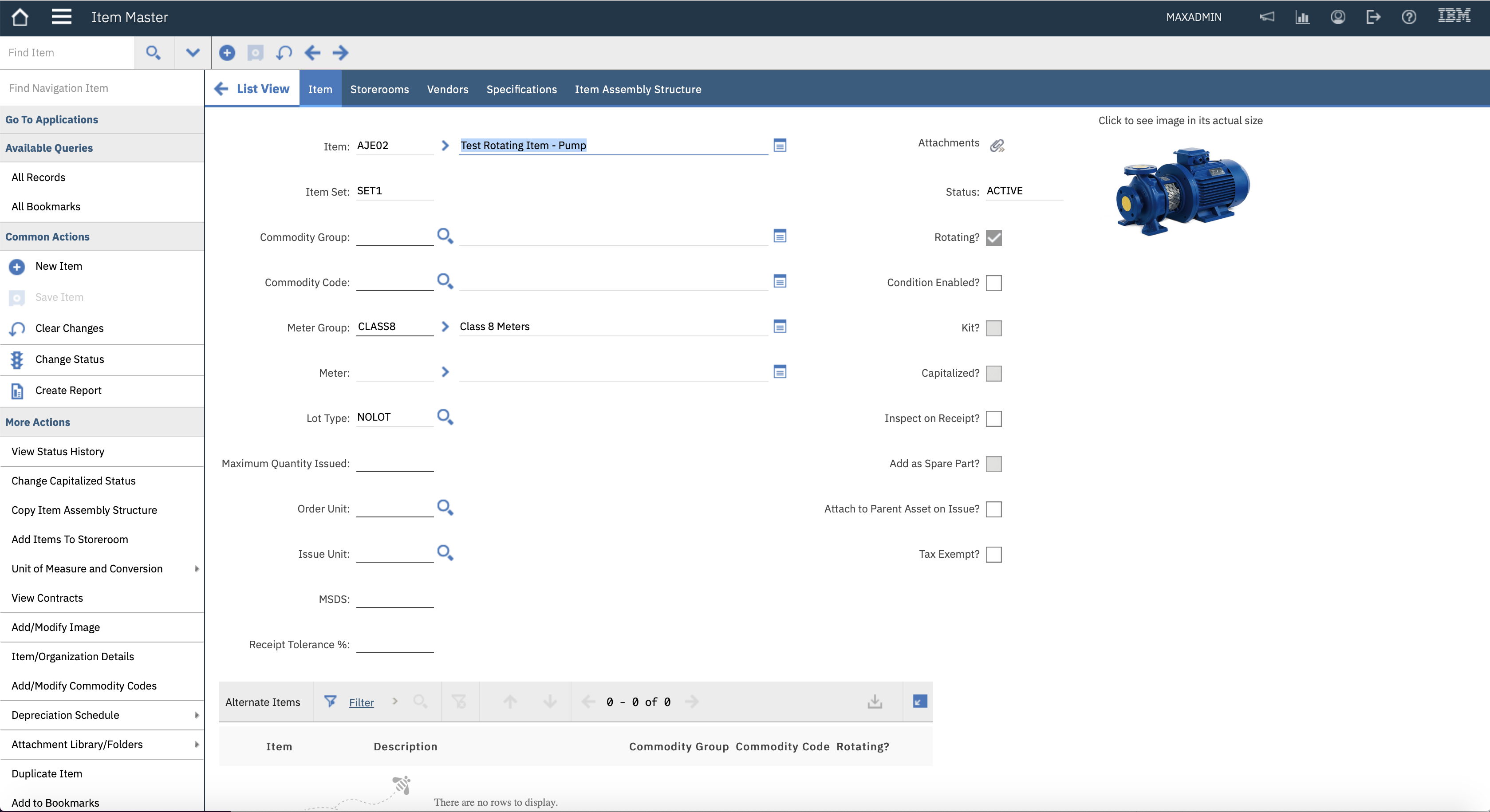
Meter Groups on Items
Read more: Meter Groups on ItemsOn Item Master application there is a Meter Group and Meter field. These two fields perform completely different functions, they are not connected. The Meter Group field is only associated with rotating items, the Meter field is only associated with non-rotating items. I’ll discuss the use of a meter in a separate article. A Meter…

A site dedicated to Maximo containing over 385 articles, podcast episodes, YouTube videos, and quizzes, updated weekly, 900K words!